A monster
in your
machine.
Your patterns. Your sounds. Your whole song.
GRIDZILLA 1.2.1 brings instruments, MIDI editing, hands-on mixing and effect automation to your MPC Sample.
Free download · Runs from SD · No firmware flashing
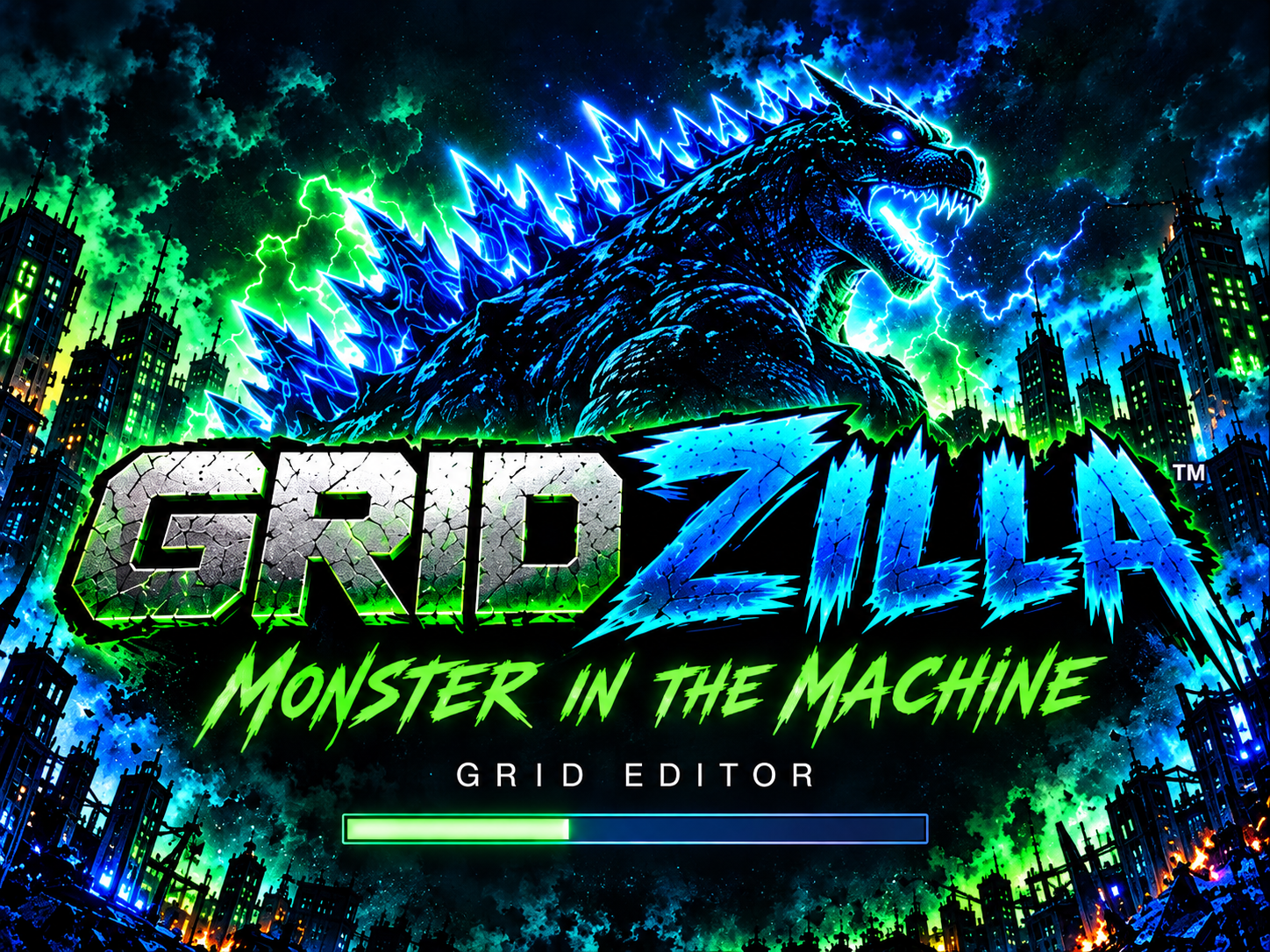
Meet your next workflow.
Watch the GRIDZILLA walkthrough right here. Real screens, real controls, more room for your ideas.
The whole idea. In view.
Actual GRIDZILLA screen captures.
From your first notes to the way the song feels.
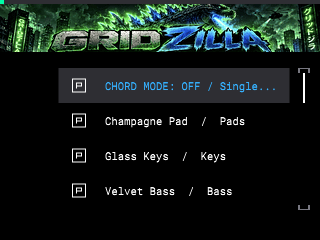
Find the sound.
Offline instruments and one-pad chords, from triads to 13ths. Keep the performance as editable MIDI.
16 LEVELS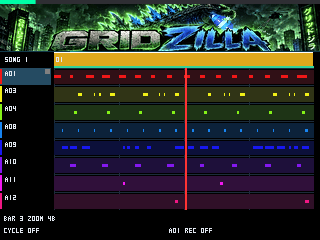
Build the bigger picture.
Bring sequences together, see your song and place effect changes where the beat needs them.
SHIFT + PAD 12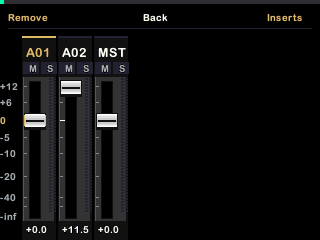
Mix in the moment.
Move faders, mute and solo while the song plays. Add inserts and shape each sound with presets.
SHIFT + PAD 5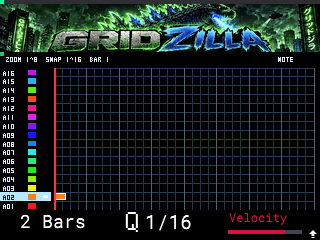
See every hit.
Edit your pad notes against the grid, with timing and velocity in view.
SHIFT + SEQ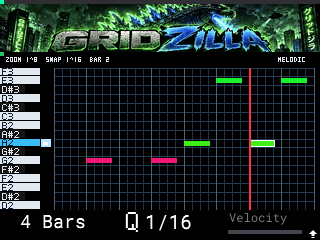
Make the notes yours.
See pitches on the piano roll and shape your melodies and chords as editable MIDI.
UNDO + REDOWatch on YouTube.
Your next session starts here.
Load it.
Make something.
GRIDZILLA is an SD-based custom firmware-style mod. It extends the MPC Sample workflow without flashing or replacing Akai’s firmware.
Save and back up.
Save your project, back up your SD card, then power off the MPC before removing the card.
Unzip and copy.
Follow the guide. Merge autorun and WaveGrid into the SD root, keeping your existing projects and samples.
Eject and start.
Safely eject the card, put it back in the powered-off MPC, then start up. Already installed? Follow the guide’s update steps.